
Case study · Retail · Singapore
The work before automation
The challenge
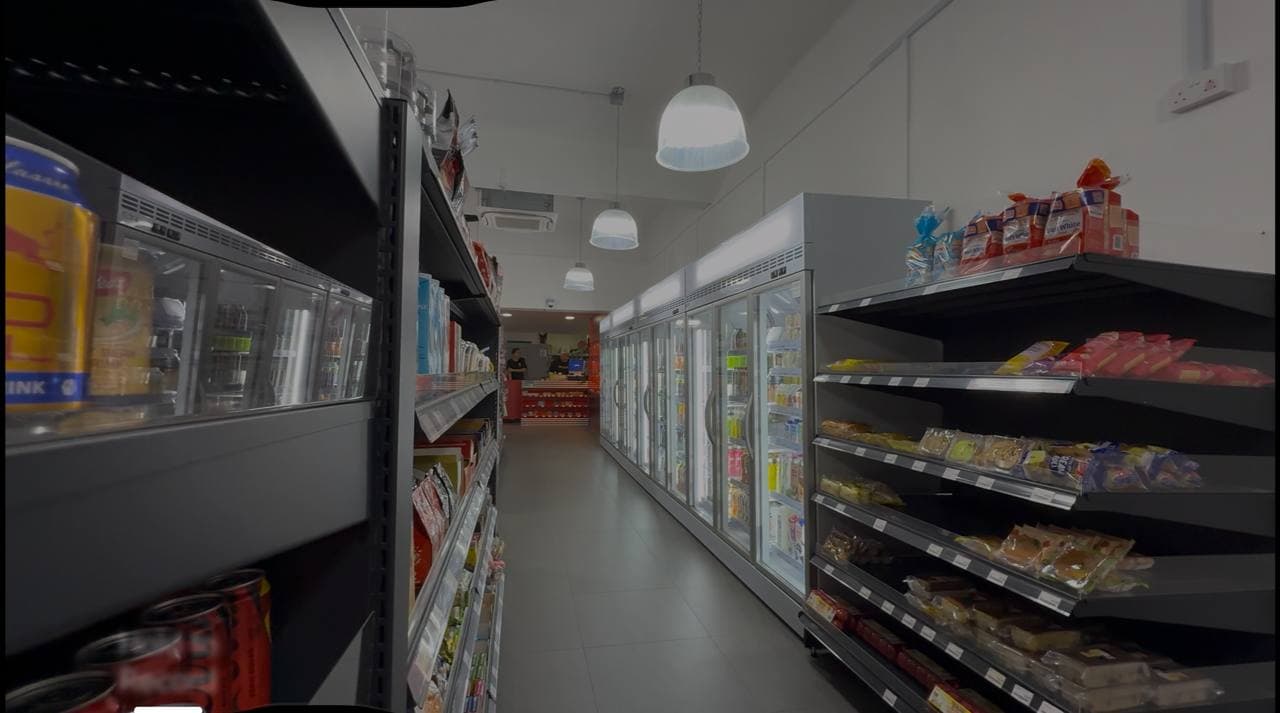
Stock balance and sales reports had to be pulled from the retail system into a tracker Excel file whose formulas decide what to order and what to transfer between outlets. Staff then created purchase orders in the system, downloaded and renamed each one, sent it to the right vendor on WhatsApp with a personalised message, and built transfer sheets in Google Drive — all by hand, every cycle.
Before
What the team had to do
Download stock balance and stock sale reports from the retail system
Update the inventory tracker Excel file on SharePoint
Create purchase orders in the system, download and rename each PDF
Send each PO to the vendor on WhatsApp with a personalised message
Create transfer sheets in Google Drive for stock moving between outlets
With the robot
What now happens automatically
Pulls the stock reports and refreshes the tracker automatically
Validates outlet and supplier selections before processing anything
Raises the purchase orders and sends each vendor a personalised WhatsApp message
Builds the transfer sheets in Google Drive through an authorised API connection
Emails the user a run summary and an exception report for anything that needs a decision
Built around the existing process
Systems involved
- Microsoft Excel
- Retail POS system
- WhatsApp Web
- Google Drive
- Microsoft Outlook
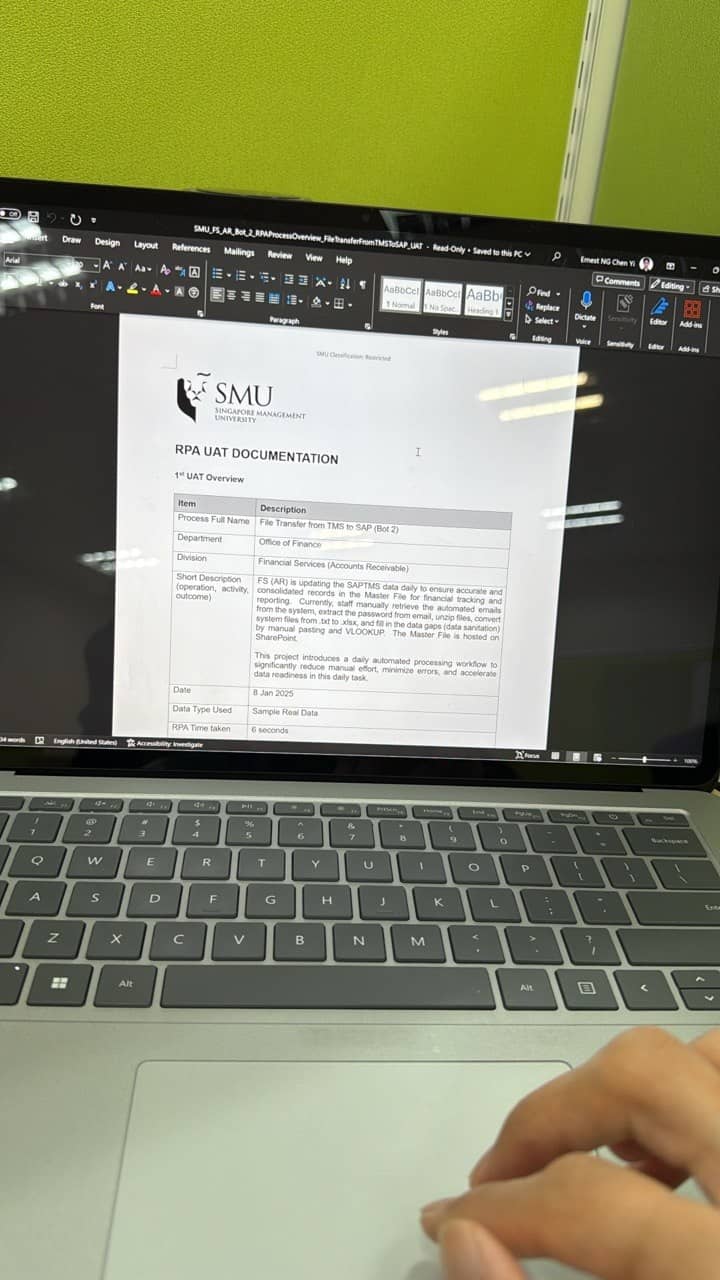
The full process is documented in a Process Definition Document (v1.0.1, June 2026) the client keeps — scope, rules, exceptions and sign-off. A public copy is available below. Measured results will be published once verified.
Process documentation